
Industry
EdTech
Gamified Learning
Design Tools
Figma
Illustration
Project's Scope
Web game design
CMS web design
Web game development
CMS web development
Delivery & Time
Teacher Player: 8 pages
Student Player: 26 pages
Admin CMS: 22 pages
1 month Design
3 months Dev
About Fafifun
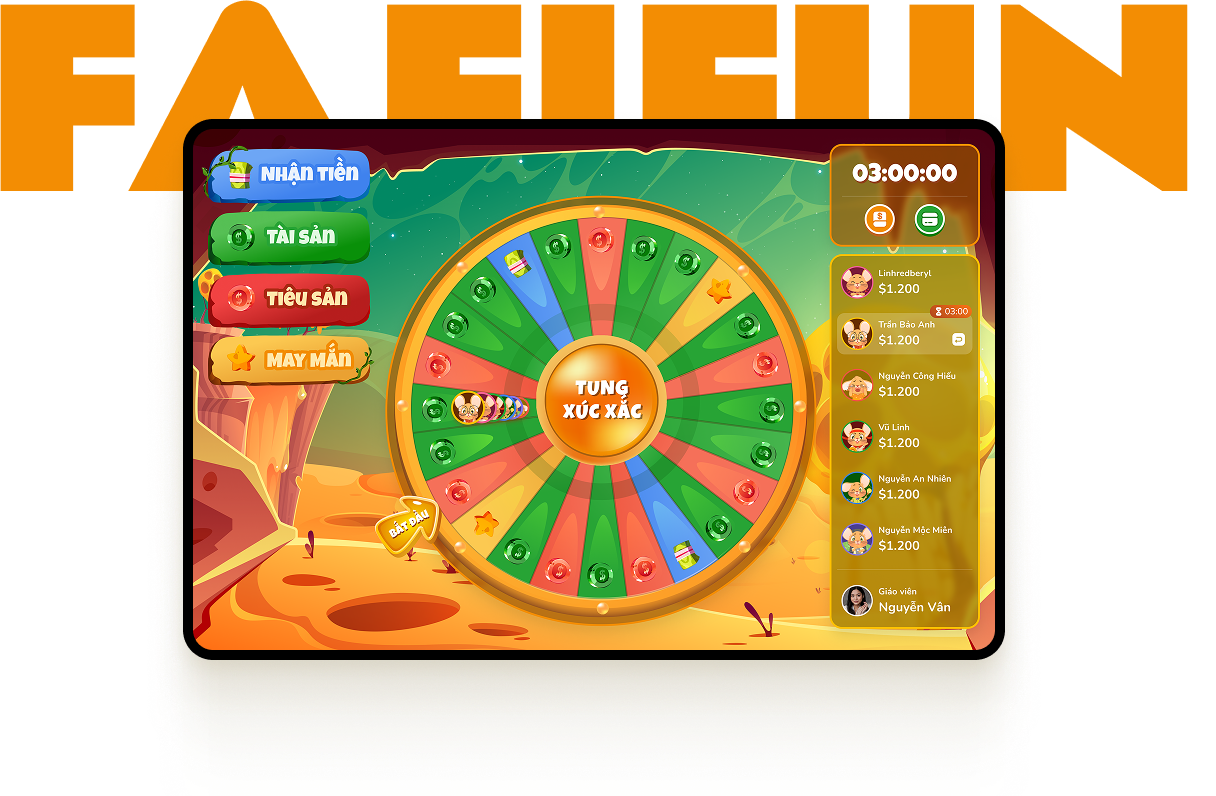
Prepare to embark on an exciting virtual board game adventure combining financial strategy and interactive gameplay in FAFIFUN. Geared toward primary and secondary school kids, FAFIFUN offers a dynamic and engaging platform to learn about money management while having a blast with friends.
🌋 User Problem
The user wants to develop a board game application to connect teachers and students
Currently, customers are using PowerPoint for teaching, which limits the ability to perform game actions and increases the time required to play.
The product needs to be suitable for a diverse audience, including primary school students, secondary school students, and teachers.
🏆 Goals
Develop a simple and easy-to-play board game for students.
Teachers can easily guide and manage students.
Solution
Develop two systems: one for playing the board game for both students and teachers, and another for classroom management specifically for teachers.
Teacher

Teachers can observe and guide students while they play.
Teachers manage classes and students within each of their classes.
Student
Perform game actions visually and intuitively.
Easily access and view the game rules.
Perform game actions quickly and in an easily understandable manner.
Style Guide
Heading
Text
Nutito
Regular / Medium / Semibold/ Bold
ABCDEFGHIJKLMNOPQRSTUVWXYZ
abcdefghijklmnopqrstuvwxyz
0123456789 !@#$%^&*()
abcdefghijklmnopqrstuvwxyz
0123456789 !@#$%^&*()
Orange
HEX: #F38D03
Black
HEX: #OOOOOO
White
HEX: #FFFFFF
Gradient Green
HEX: #099009 - #56C054
Gradient Blue
HEX: #3F82EE - #6DA6F5
Gradient Yellow
HEX: #EAA132 - #FCC951
Red
HEX: #B71D1D - #F14242
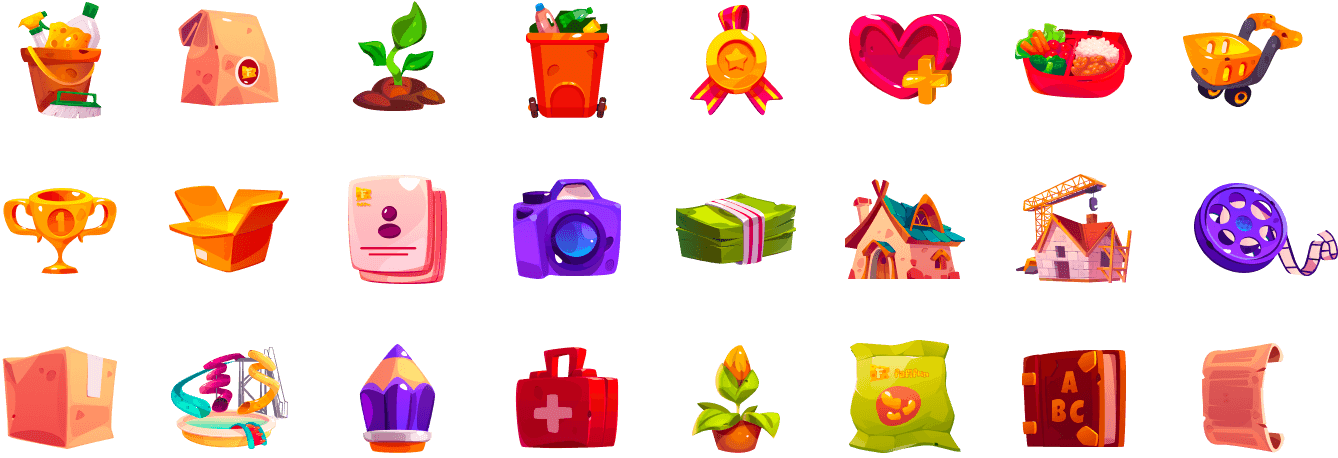
Intuitive icons and fun, engaging graphics.
Student
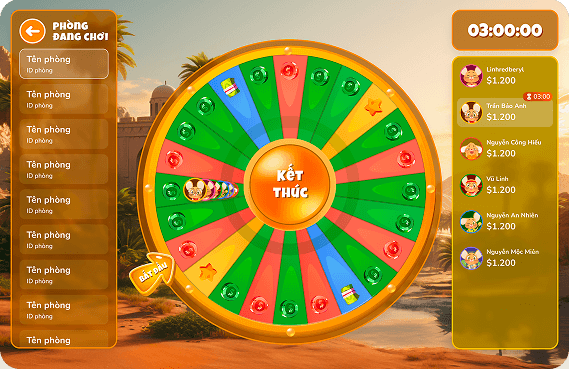
Homepage
The main game screen for students: Students will roll the dice to move to a designated space on the board. Then, they will perform corresponding actions such as receiving money, acquiring assets, incurring liabilities, or encountering luck events. The game will proceed in turn order or allow players to pass their turn to a fellow player.
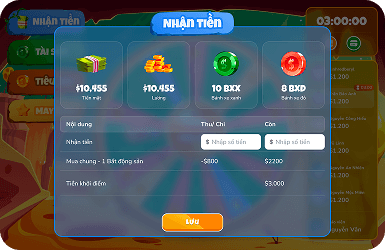
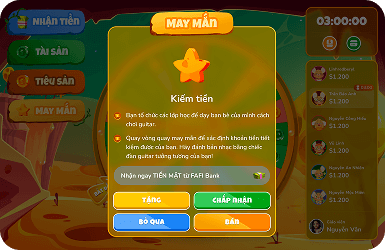
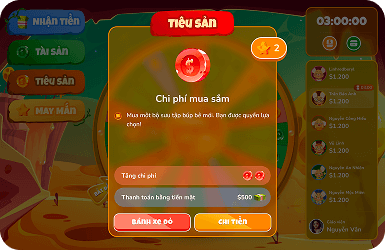
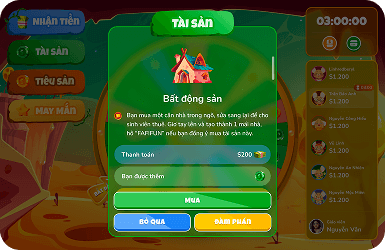
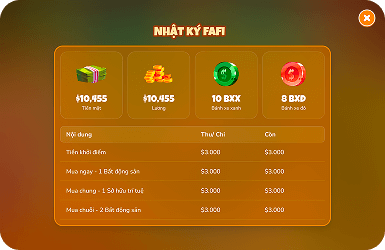
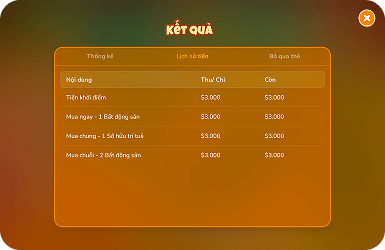
Functionality screen.
Pop-ups appear when users perform corresponding actions based on the space they land on.
Teacher
Homepage
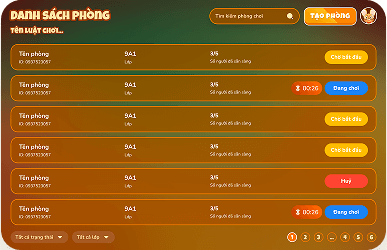
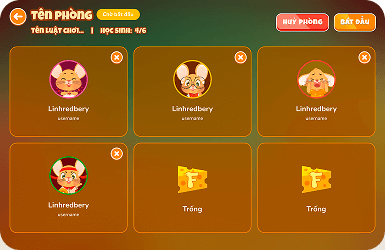
The teacher's game screen allows them to manage students currently playing and monitor active game rooms.
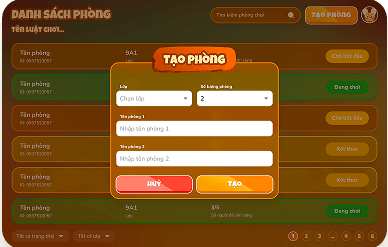
Game room management screen.
Teachers will create and manage game rooms along with the students in those rooms.
Other Product